

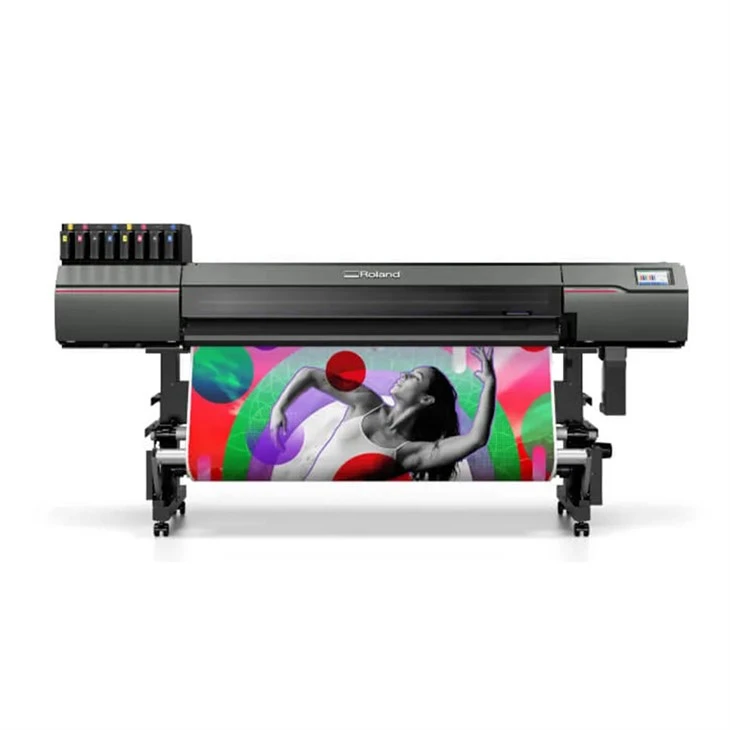
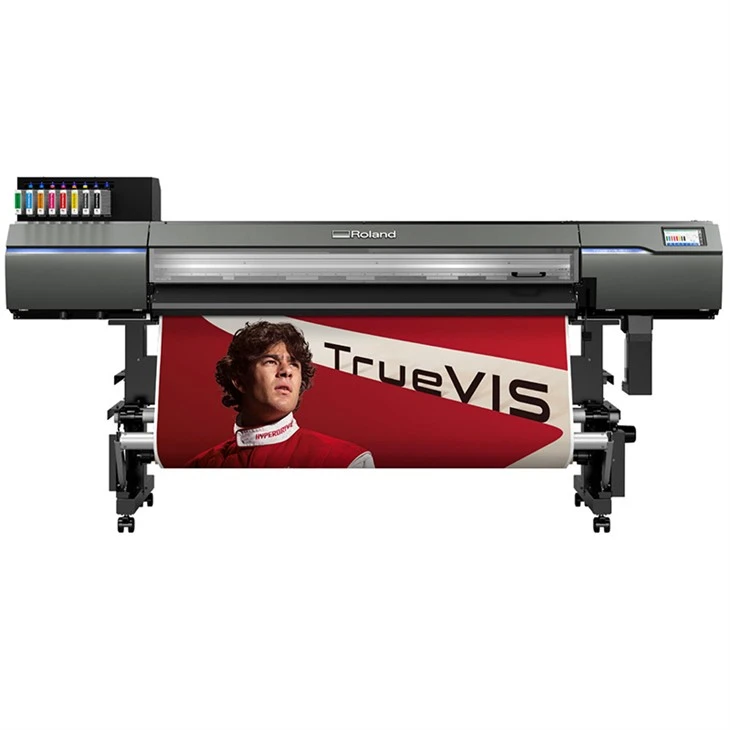
Hey there! As a supplier of Roland UV printers, I've seen firsthand how these machines can transform your printing projects. Whether you're a small business owner looking to print high-quality promotional materials or a large-scale production facility in need of reliable, high-volume printing, a Roland UV printer can be a game-changer. But to get the most out of your investment, it's crucial to optimize the print quality. In this blog post, I'll share some tips and tricks to help you achieve the best results with your Roland UV printer.
1. Choose the Right Media
The type of media you use plays a significant role in print quality. Roland UV printers are compatible with a wide range of materials, including vinyl, acrylic, wood, metal, and more. Each material has its own characteristics, so it's important to choose the right one for your project.
- Surface Smoothness: A smooth surface will generally result in better print quality. Rough or uneven surfaces can cause ink to spread unevenly, leading to blurry or distorted prints.
- Absorbency: Some materials absorb ink more readily than others. For example, porous materials like wood or fabric may require more ink to achieve a saturated print, while non-porous materials like acrylic or metal may require less.
- Thickness: The thickness of the media can also affect print quality. Thicker materials may require more ink to cover the surface evenly, and they may also be more difficult to feed through the printer.
When choosing media, it's a good idea to test a small sample first to see how it performs with your Roland UV printer. You can also consult the printer's user manual or contact the manufacturer for recommendations on compatible media.
2. Calibrate Your Printer Regularly
Calibration is an essential step in optimizing print quality. It ensures that the printer is printing accurately and consistently, and it can help to prevent issues such as color shifting, banding, and misalignment.
- Initial Calibration: When you first set up your Roland UV printer, it's important to perform an initial calibration. This will ensure that the printer is properly aligned and that the colors are accurate.
- Regular Calibration: Over time, the printer's components may shift or wear out, which can affect print quality. It's recommended to calibrate your printer at least once a month, or more frequently if you print a lot.
- Calibration Tools: Most Roland UV printers come with calibration tools and software that make it easy to perform calibration. Follow the instructions in the user manual to ensure that you're calibrating the printer correctly.
3. Use High-Quality Ink
The quality of the ink you use can have a significant impact on print quality. Roland UV printers are designed to work with specific types of ink, so it's important to use ink that is compatible with your printer.
- Original Ink: Using original Roland ink is the best way to ensure optimal print quality. Original ink is formulated to work specifically with Roland printers, and it provides consistent, vibrant colors and excellent durability.
- Ink Quality: Not all inks are created equal. Some inks may be less expensive, but they may also produce lower-quality prints. When choosing ink, look for a high-quality brand that is known for producing consistent, reliable results.
- Ink Storage: Proper ink storage is also important for maintaining print quality. Ink should be stored in a cool, dry place, away from direct sunlight and heat.
4. Adjust the Print Settings
The print settings you choose can have a big impact on print quality. Depending on the type of media you're using and the desired outcome, you may need to adjust the print settings to achieve the best results.
- Resolution: The resolution of the print refers to the number of dots per inch (DPI) that the printer can produce. Higher resolutions generally result in sharper, more detailed prints, but they also require more ink and take longer to print.
- Print Speed: The print speed refers to how quickly the printer can print. Faster print speeds may result in lower-quality prints, so it's important to find a balance between speed and quality.
- Ink Density: The ink density refers to the amount of ink that is applied to the media. Higher ink densities generally result in more vibrant colors, but they can also increase the risk of ink bleeding or smudging.
Experiment with different print settings to find the combination that works best for your project. You can also consult the printer's user manual or contact the manufacturer for recommendations on optimal print settings.
5. Keep Your Printer Clean
Regular maintenance and cleaning are essential for keeping your Roland UV printer in good working condition and ensuring optimal print quality.
- Print Head Cleaning: The print head is one of the most important components of the printer, and it needs to be kept clean to prevent clogs and ensure consistent ink flow. Most Roland UV printers come with a built-in print head cleaning function that you can use to clean the print head regularly.
- Media Path Cleaning: The media path is the area where the media passes through the printer. Over time, dust, debris, and ink can accumulate in the media path, which can affect print quality. Use a soft, lint-free cloth to clean the media path regularly.
- Exterior Cleaning: The exterior of the printer should also be kept clean to prevent dust and debris from entering the printer. Use a soft, damp cloth to wipe down the exterior of the printer regularly.
6. Use the Right Software
The software you use to control your Roland UV printer can also have an impact on print quality. Make sure you're using the latest version of the printer's software, and take advantage of any features or tools that can help you optimize print quality.
- RIP Software: RIP (Raster Image Processor) software is used to convert digital images into a format that the printer can understand. Some RIP software packages offer advanced features such as color management, image editing, and print optimization.
- Print Management Software: Print management software can help you manage your print jobs more efficiently and ensure that they are printed correctly. Some print management software packages offer features such as job queuing, print preview, and error reporting.
7. Seek Professional Support
If you're having trouble optimizing the print quality on your Roland UV printer, don't hesitate to seek professional support. The manufacturer's customer support team can provide you with technical assistance and troubleshooting tips, and they may also be able to recommend additional resources or training.
- Online Resources: Many manufacturers offer online resources such as user manuals, FAQs, and video tutorials that can help you learn more about your printer and how to optimize print quality.
- Training Courses: Some manufacturers offer training courses for their printers, which can provide you with hands-on experience and in-depth knowledge of the printer's features and functions.
- Technical Support: If you're experiencing a specific problem with your printer, you can contact the manufacturer's technical support team for assistance. They can help you diagnose the problem and provide you with solutions.
Conclusion
Optimizing the print quality on your Roland UV printer is essential for achieving the best results and getting the most out of your investment. By following the tips and tricks outlined in this blog post, you can ensure that your prints are sharp, vibrant, and durable. Remember to choose the right media, calibrate your printer regularly, use high-quality ink, adjust the print settings, keep your printer clean, use the right software, and seek professional support when needed.
If you're interested in learning more about our Roland UV printers or have any questions about optimizing print quality, please don't hesitate to contact us for a consultation. We'd be happy to help you find the right printer for your needs and provide you with the support and resources you need to achieve the best results.
References
- Roland DG Corporation. (n.d.). Roland UV Printer User Manual.
- Manufacturer's website for additional resources and support.